

HOW TO BUY an NFT on Charlie HEwitt’s MaRKETPLACE

(With Credit Cards)

Pro Tip: Consider using a desktop/laptop computer if you are purchasing an NFT for the first time!


Step one: Create an Account.

1.) Go to https://www.charliehewittnft.com/

2.) Click connect

Charlie Hewitt sitting at a table covered with colorful art supplies, including markers, papers, and artwork, in a well-lit room.

3.) Click Magic.Link

Webpage screenshot of Charlie Hewitt Digital, with a pop-up window showing options to connect using MetaMask and Magic.link, with an elderly man sitting at a table with colorful markers and artwork.
A website popup Overlay for signing into an account on charliehewittnft.com, with a background showing a man with tattoos sitting at a table filled with colorful markers and papers, and a wall art sign reading 'hopeful' with multiple colors.

4.) Enter email address you want to associate with your account.

5.) An email will be immediately sent to that email address. If you do not see it in your inbox, check your spam folder.

Click the link in the email and return to the original tab. You will be logged in.

A website pop-up message instructing the user to check their email to find a magic link for login or sign up, with an email address partially visible and secured by the service Magic.

6.) Enter your Name and Click “Get Started”

You now have an account and are logged in! To gain access to this account all you will need is your email address in the future.
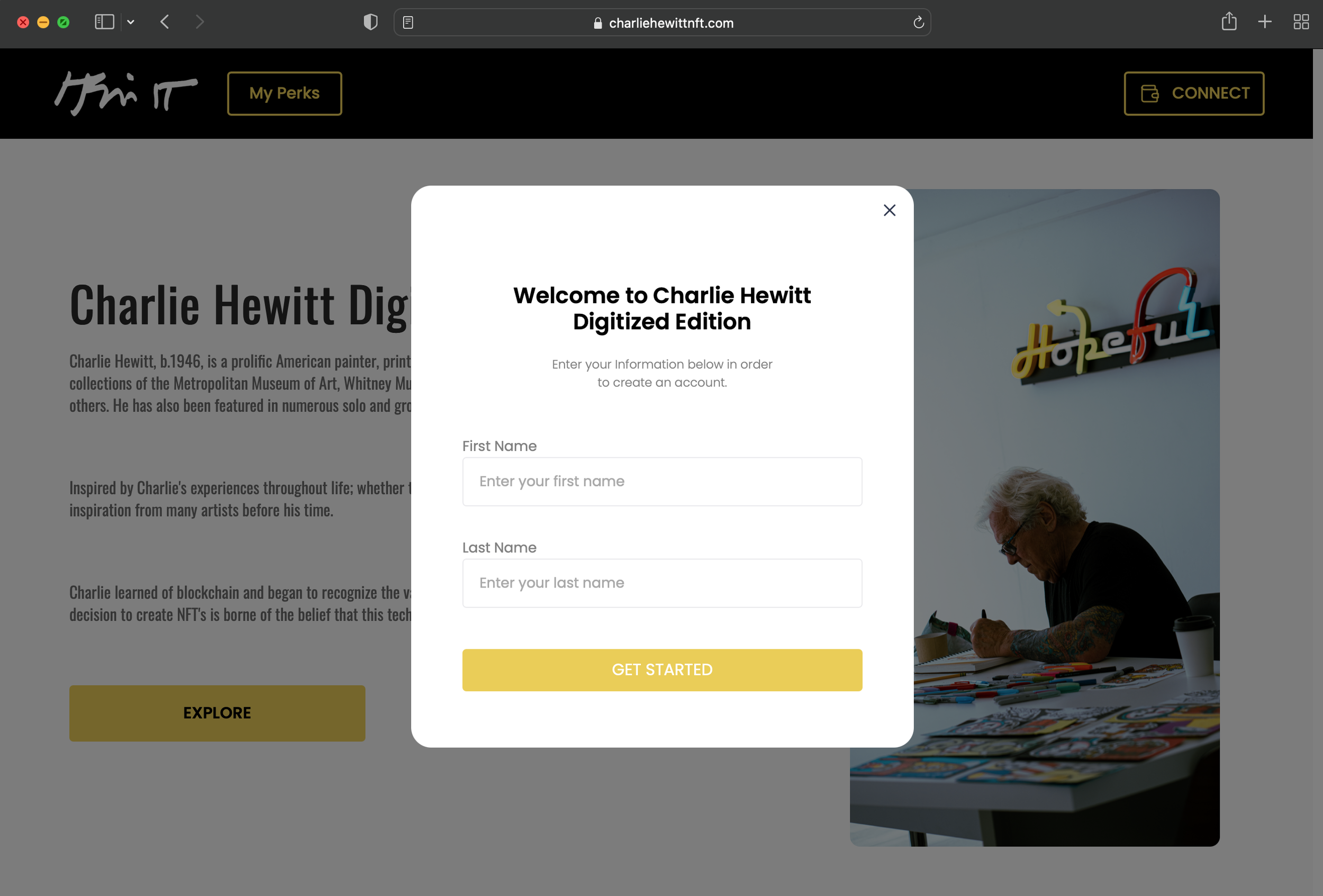
A pop-up registration form overlay on a website titled "Welcome to Charlie Hewitt Digitized Edition" with fields for first name and last name and a yellow button labeled "Get Started." Behind the pop-up, part of the website's homepage features text about Charlie Hewitt, an American painter, with a partially visible image of an older man with tattoos working at a table with markers and prints.

STEP 2: Select an NFT to purchase

7.) Scroll down to The collection or “Available NFTs” and click it to enter.
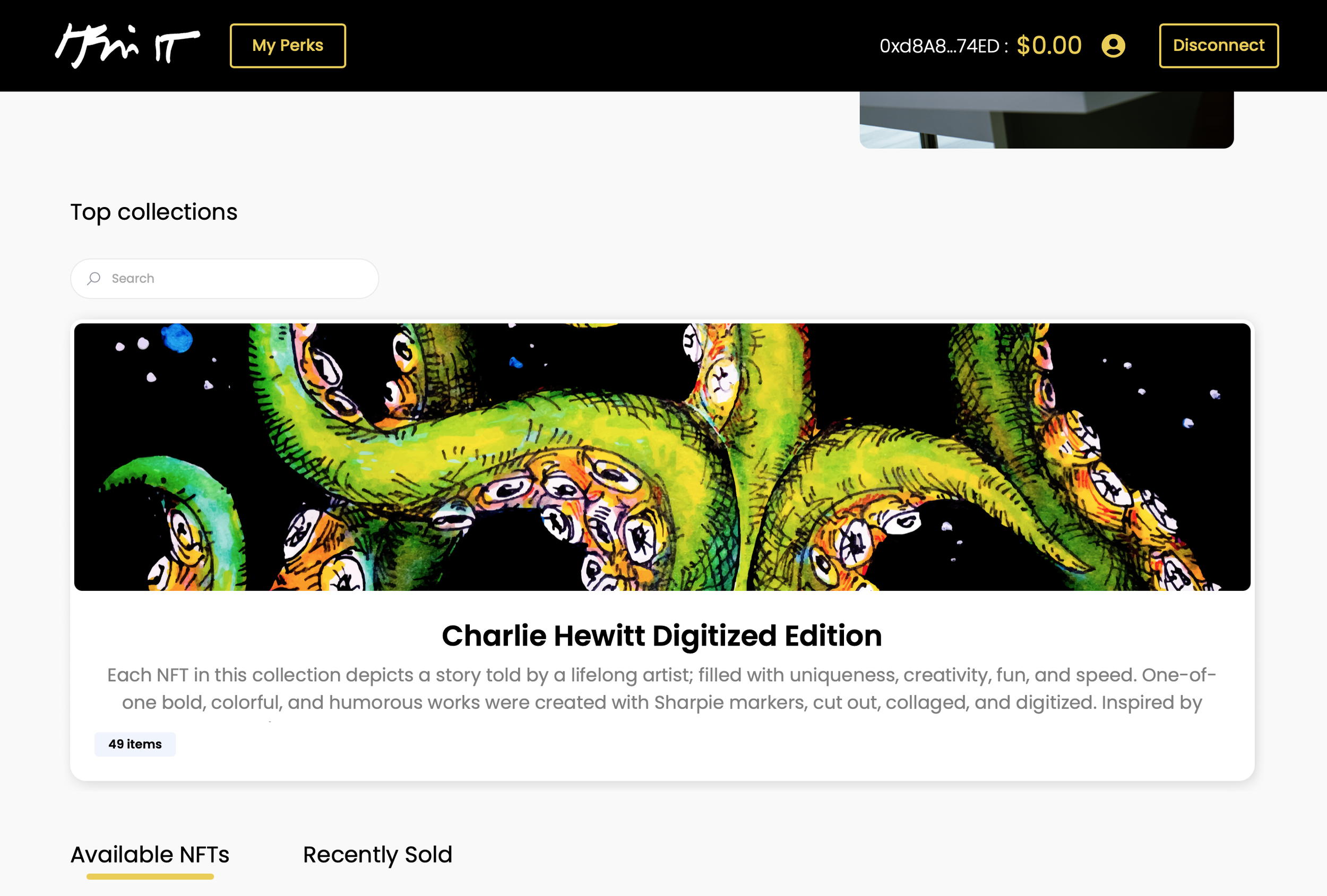
Digital art of green tentacles with yellow and orange suction cups, against a black background with small white dots.

8.) Find an NFT that catches your eye and click “BUY NOW”
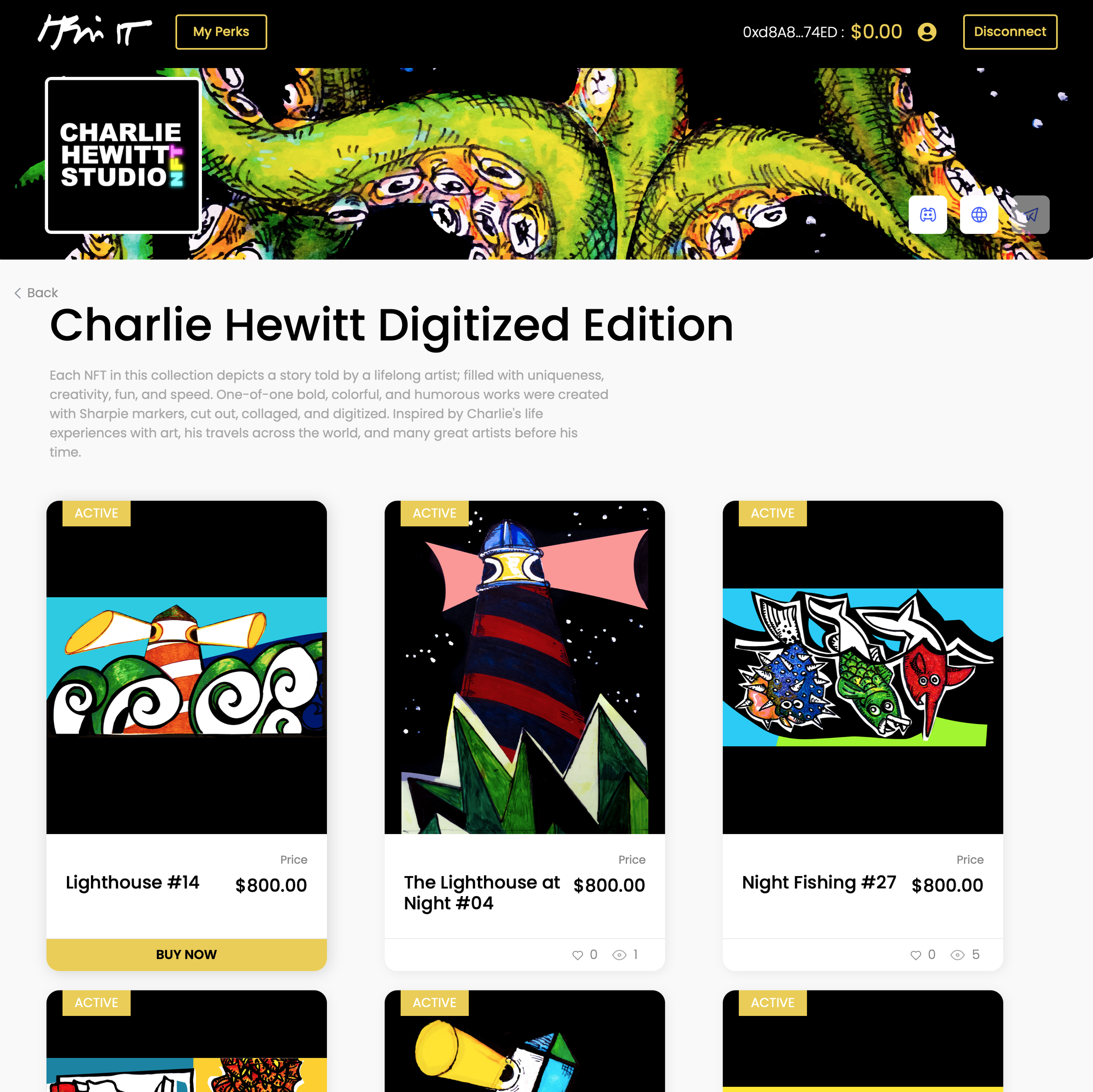
Digital storefront for Charlie Hewitt Studio NFT collection displaying colorful, cartoonish art pieces including a lighthouse, a night scene, and a character with an umbrella, priced at $800.00 each, with navigation buttons, user profile, and disconnect option at the top.

9.) In the order confirmation window, check the terms and conditions box and then “Checkout”

A screen displaying an online NFT marketplace with a digital artwork titled 'Lighthouse #14', featuring a colorful, abstract lighthouse scene with spirals, waves, and a lighthouse with megaphones, part of the Charlie Hewitt Digitized Edition collection.

10.) Select Payment Method

Select “Quick checkout” and insert CC payment information.

Verify your information is correct and click “COMPLETE purchase”

Screenshot of a payment method selection screen with options for Wallet, Cards, and Quick Checkout, and fields for credit card information.